The visual that fits the post.
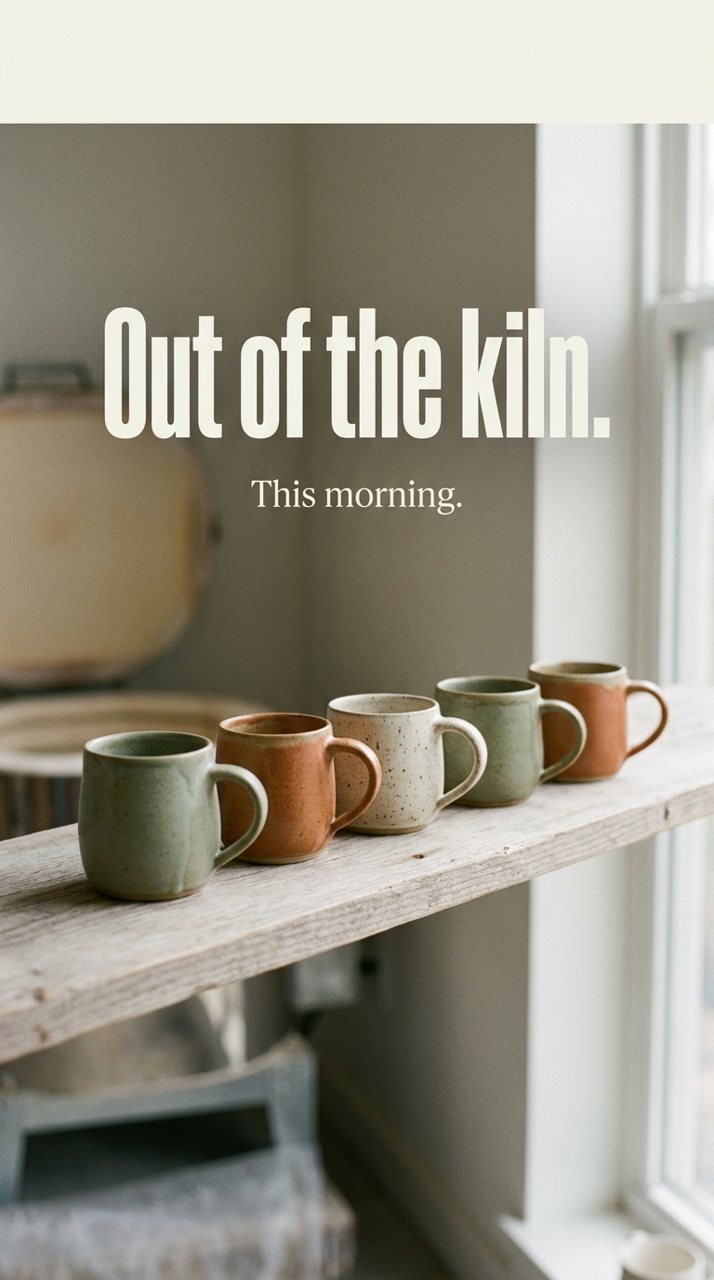
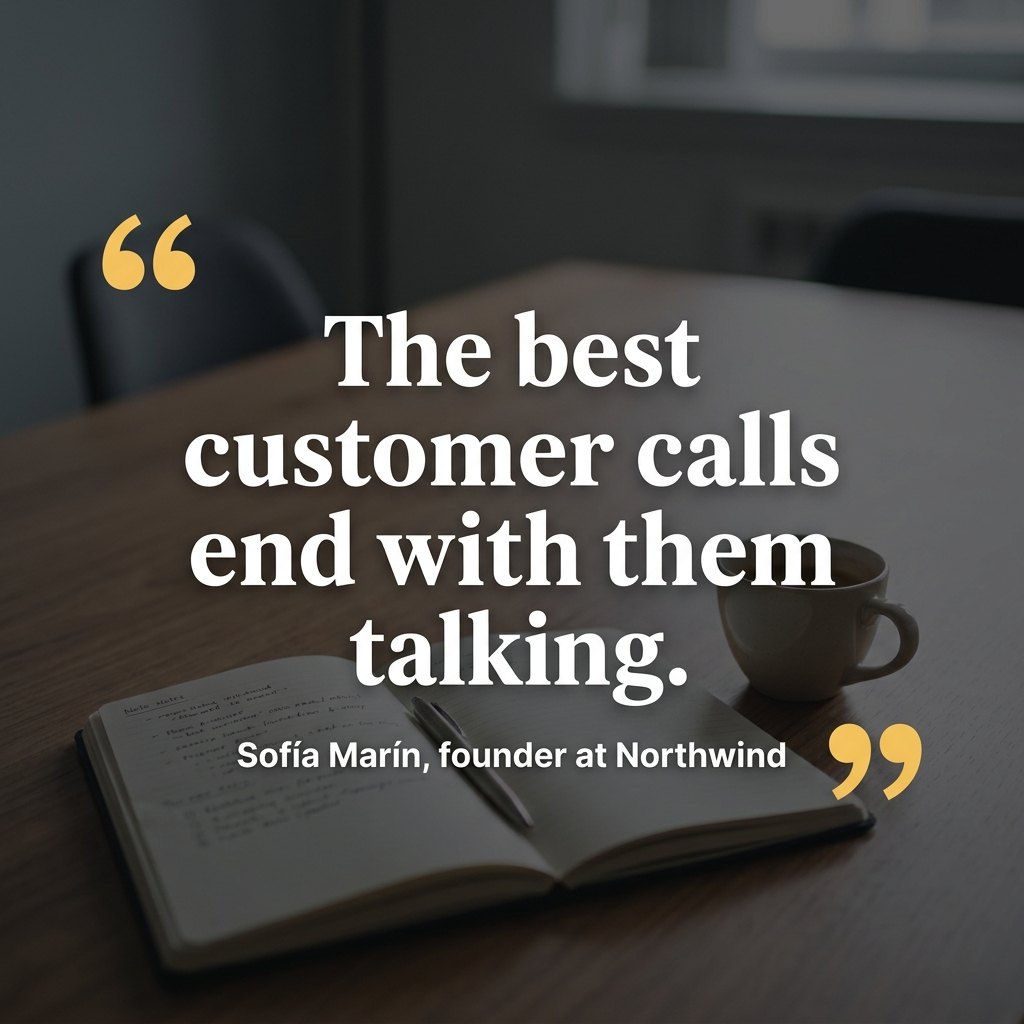
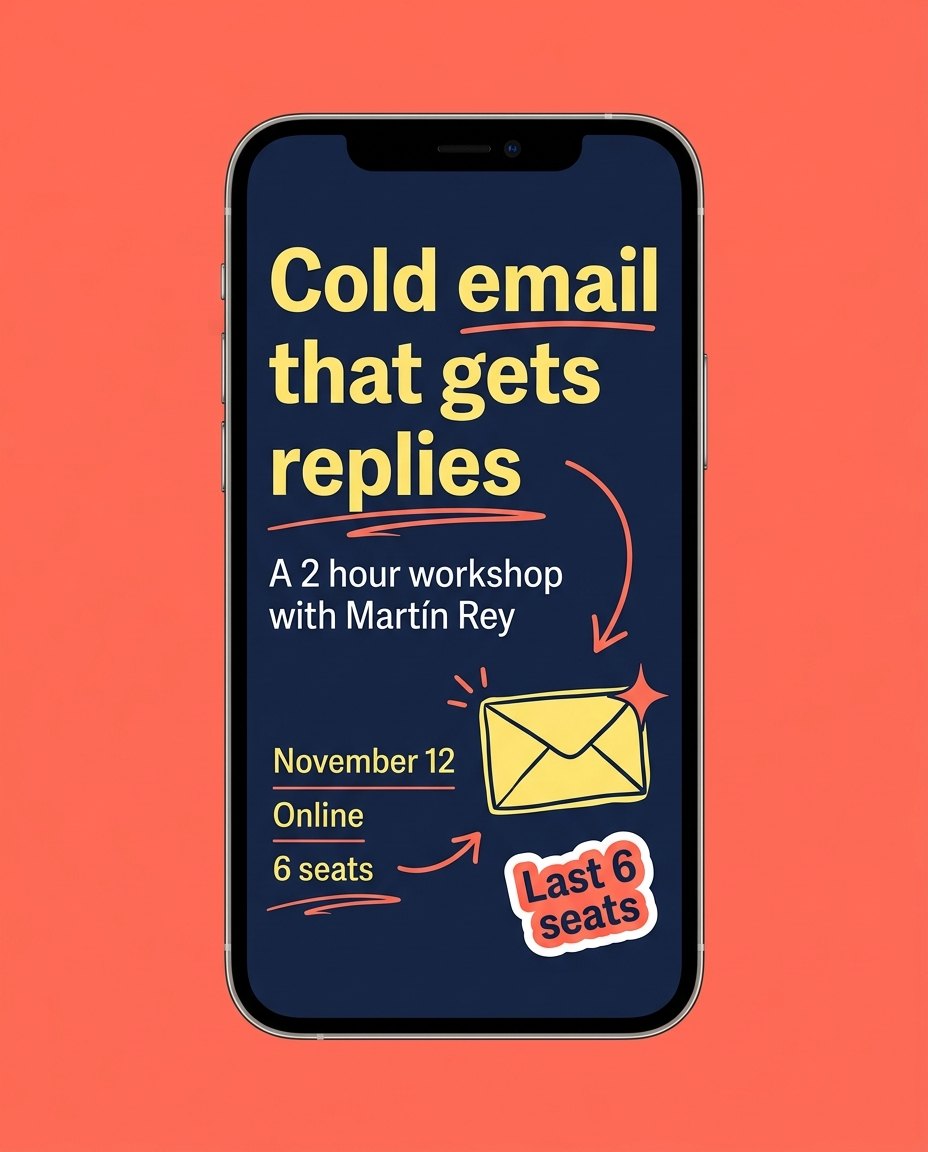
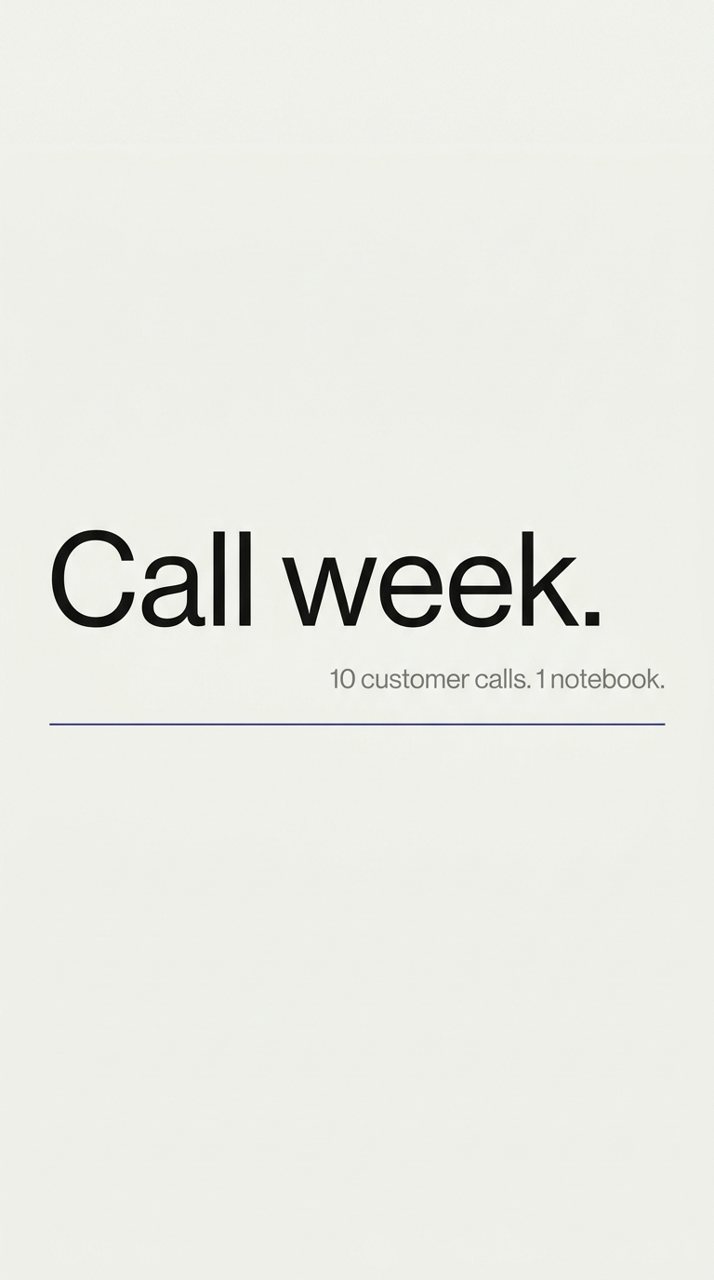
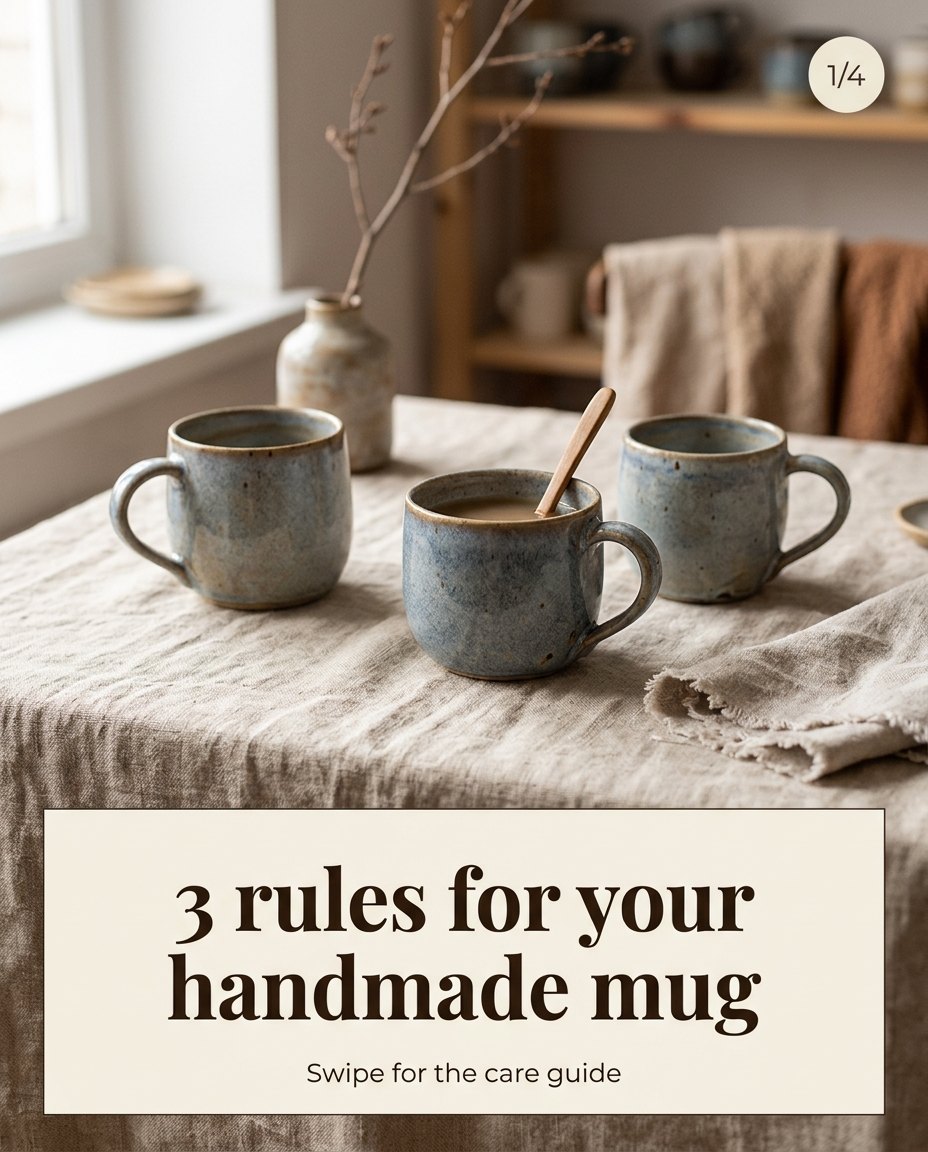
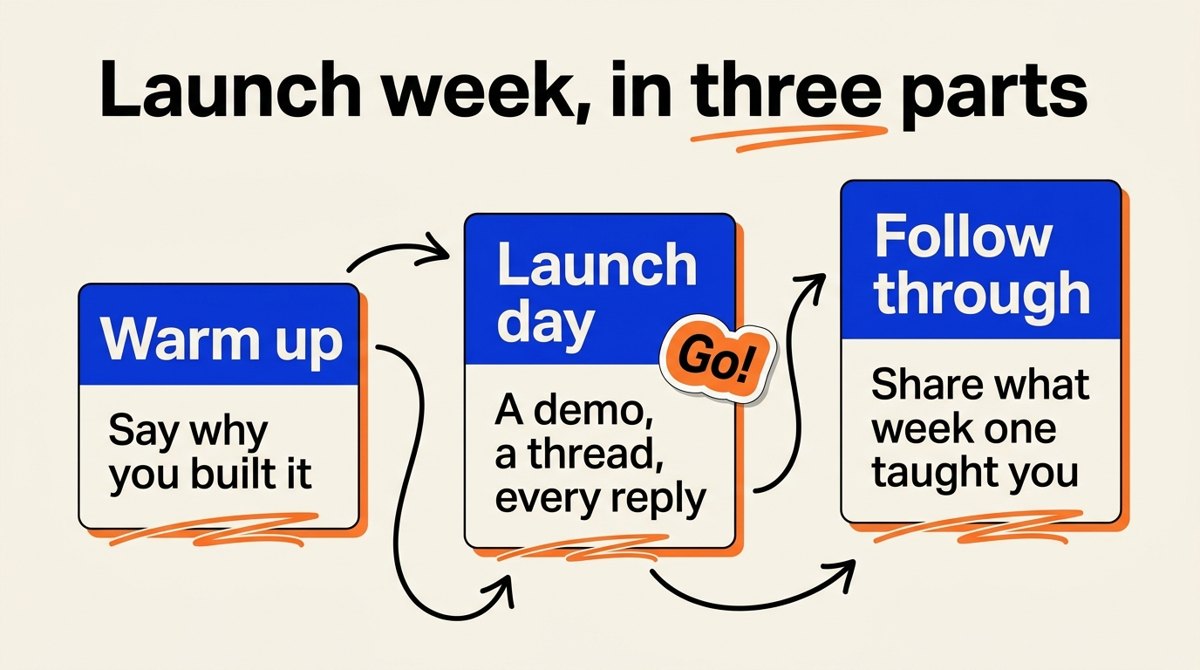
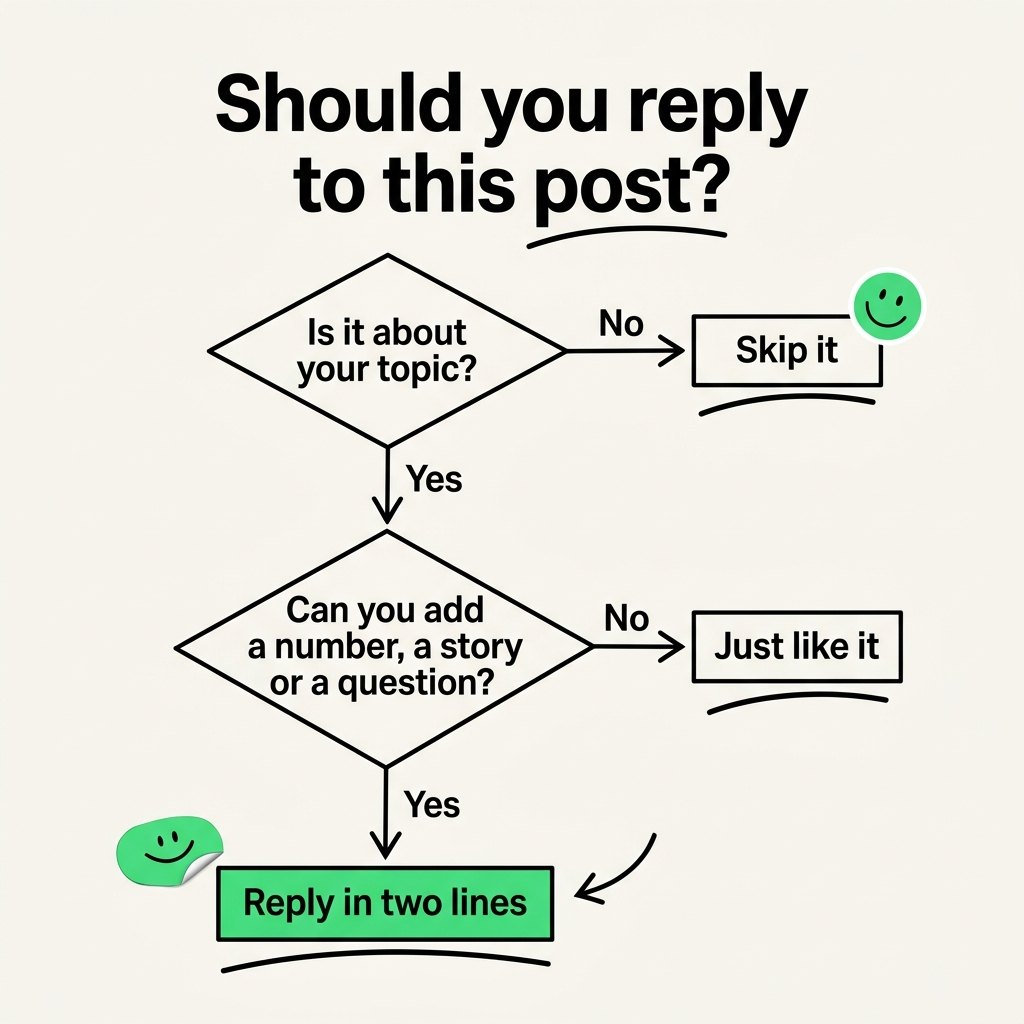
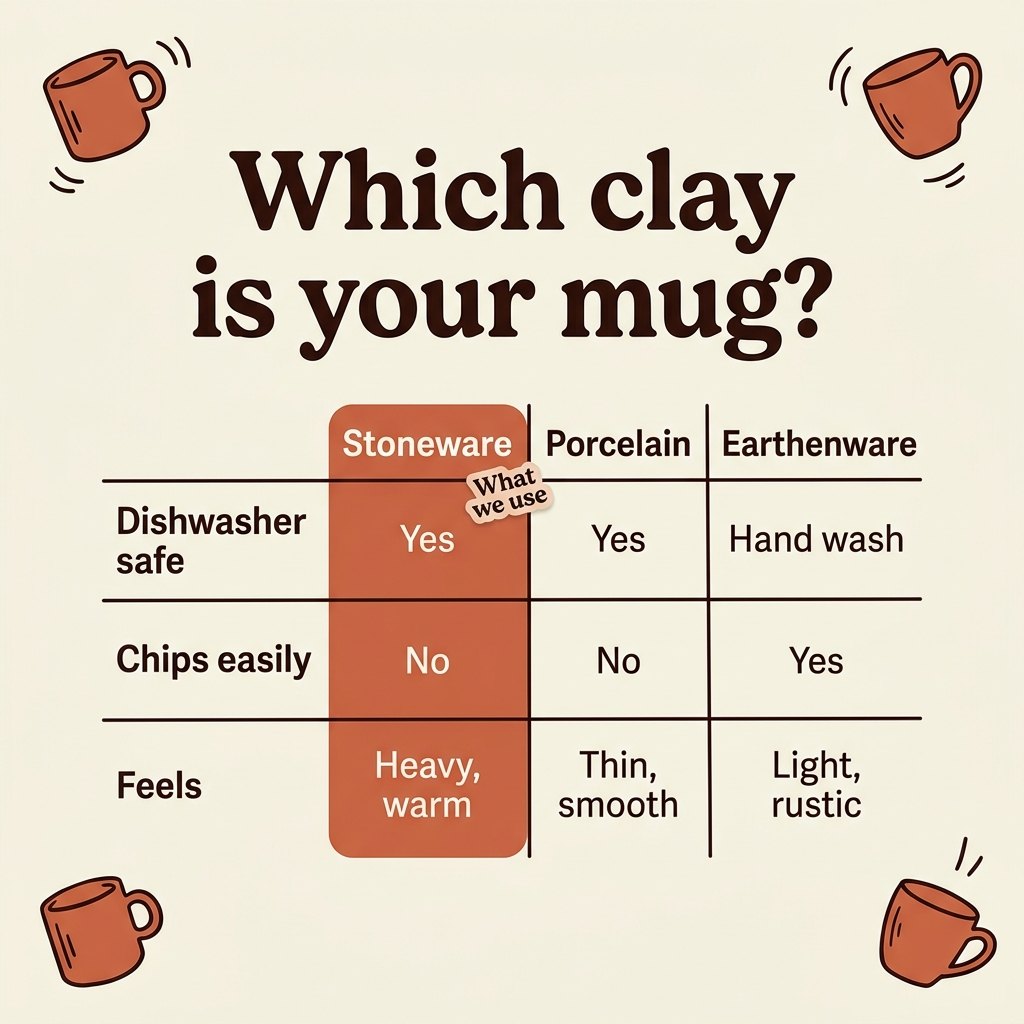
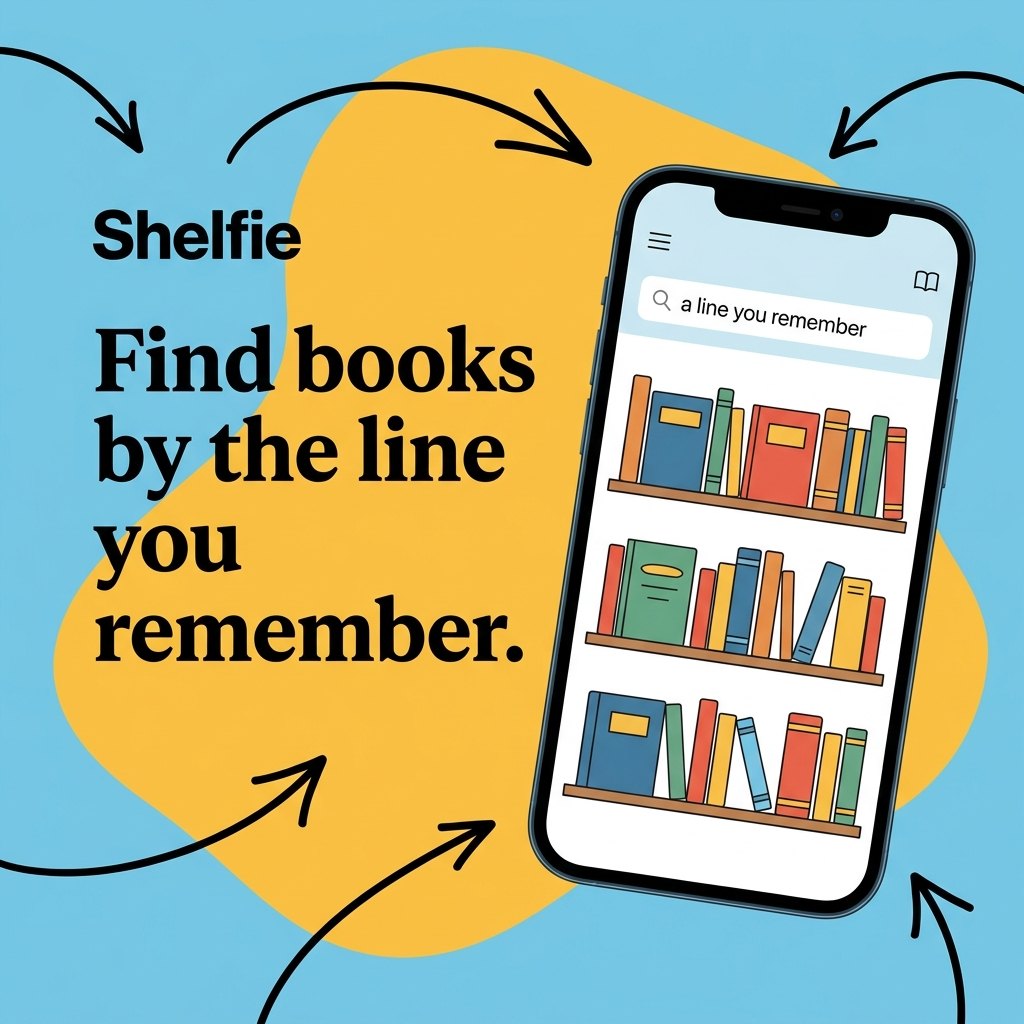
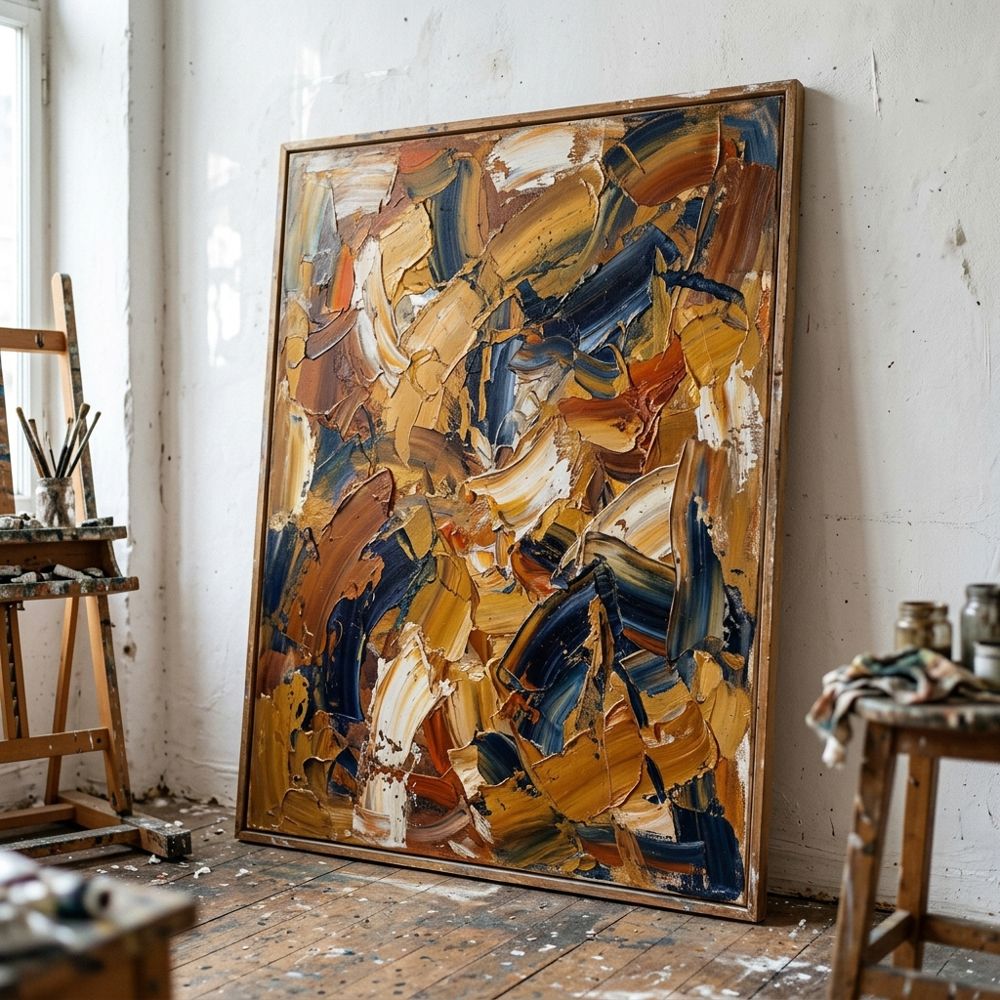
Planboard reads the post and proposes the right visual: a diagram, a chart with your real numbers, a table, a UI mockup or a photo made with Nano Banana, sized for the link card, the square, 4:5 or the story.
What it does, piece by piece.
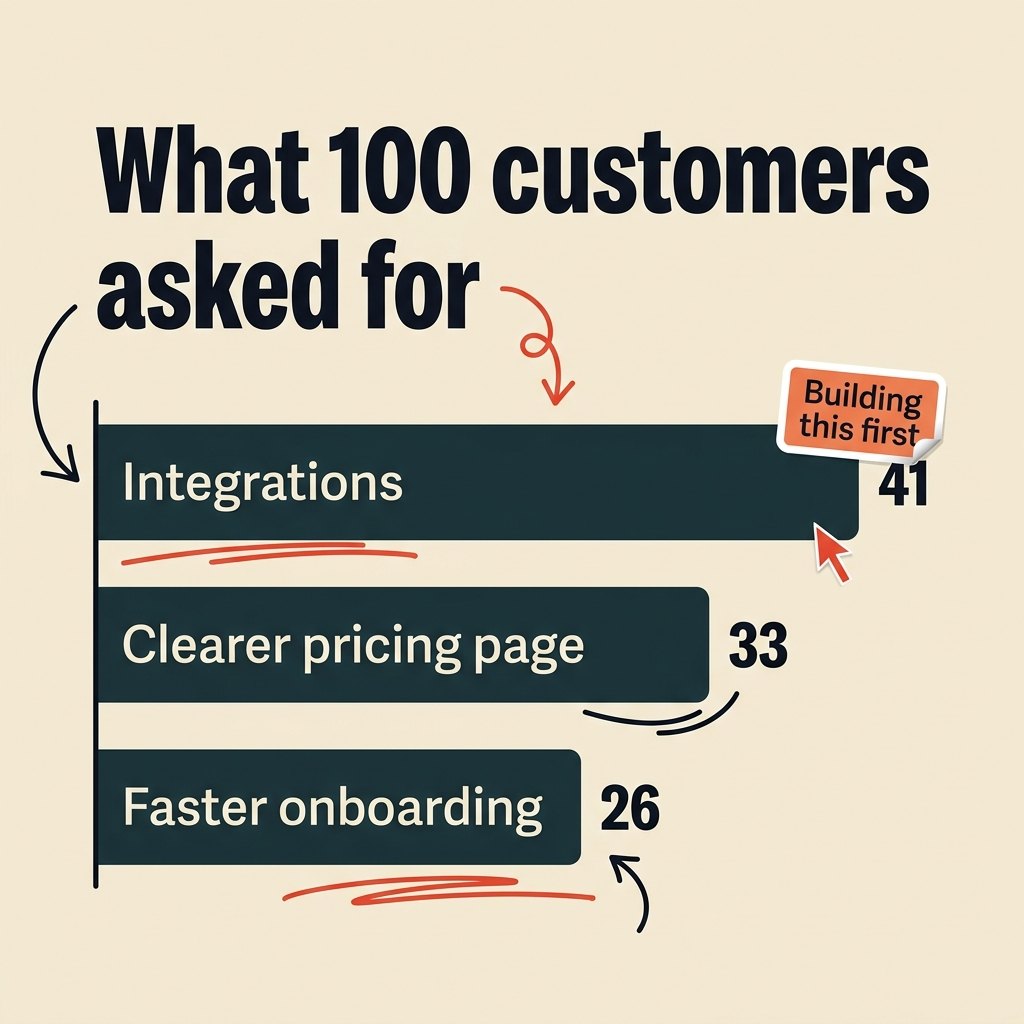
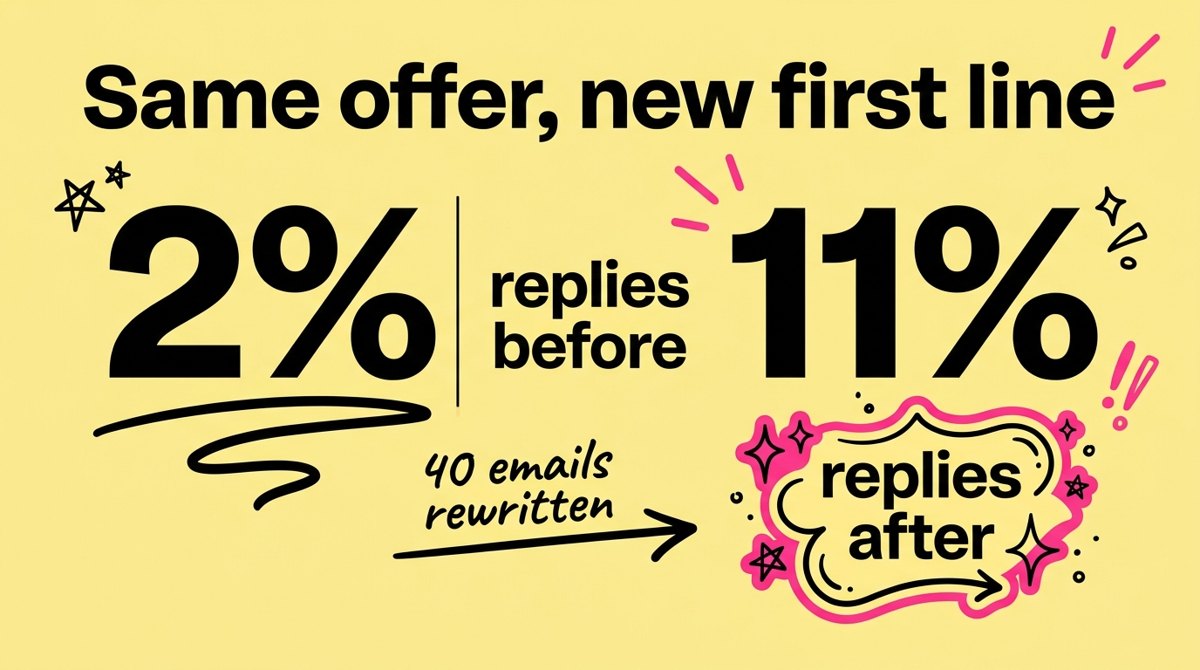
Your numbers, readable on a phone.
Large labels and values printed on the chart, so the point lands in the feed.
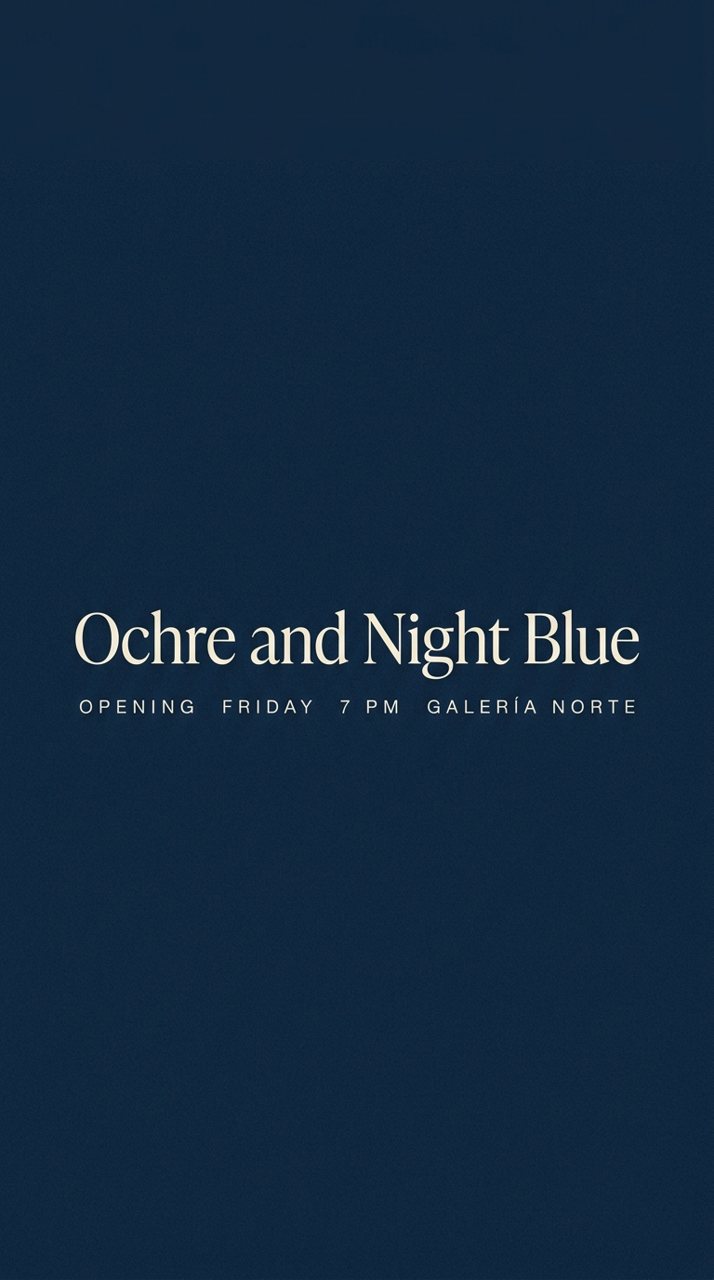
 Link1200 × 627Square1080 × 1080Portrait1080 × 1350Story1080 × 1920
Link, square, 4:5 and 9:16.
One visual, the size each network expects.
Image generation in three steps.
- Open a post
Planboard proposes a visual type from what the post says.
- Generate
Keep the proposal or pick another type.
- Download or share
The image goes out with the post.
Image generation questions
Which kinds of image can it make?
Diagrams, charts, tables, UI mockups and photos, each one proposed from what the post says.
Which plans include AI images?
Solo makes 30 AI images a month, Pro 500 and Studio as many as you need. Free does not include AI images.
Which models make the images?
Photos come from Nano Banana, Gemini’s image model, or Grok Imagine from xAI. Diagrams, charts, tables and UI mockups are drawn from the post’s own words and numbers, so nothing is invented.
Can I finish the image in Canva?
Yes. Download it at the size you need, 1200 × 627, 1080 × 1080, 1080 × 1350 or 1080 × 1920, and open it in Canva or any editor.
Works together with
Image generation, set up for your topic.
Start free on one brand today. Paid plans open from the waitlist, and founding members get a 1:1 call to set up their voice.