Your posts, written before you wake up.
Planboard finds the conversations worth joining and tells you how to join them. It plans your campaigns, writes and designs every post in your voice, and hands you one list each morning.





Free to start, no card needed. Works in English and Spanish.
A scheduler waits for you to write. Planboard shows up with the work done.
Tuesday with a scheduler
A blank box and empty slots. You still decide what to say, write it, design it and go find the conversations.
Tuesday with Planboard
Found, planned, written and designed ahead. One list, one tap per post.
See TodayBe in the conversations that matter, every week.
Growth comes from showing up where your people already talk. Radars find those posts, and your agents tell you how to join each one, with the words ready.

X, Reddit and YouTube every Monday, the news on any topic, and LinkedIn when you tap Search now. Every result links to the real post.
For each post your agent suggests a reply, or a post of your own about it, written with your rules.
Results land in Today and in your daily digest. Copy, reply, done.
Tell us what you post about. We send you the posts worth joining this week, each with a reply drafted.
I open Today with my coffee and I am done before my first meeting. The replies it drafts sound like me.
Sofía MarínFounder, B2B SaaSRadars found three threads a day where our buyers were asking for exactly what we sell.
Tomás VidalHead of growthThe plan for my launch took ten minutes. Writing the posts used to take my Sundays.
Lena ParkPersonal brand, LinkedInEvery client has its own voice rules, and the drafts actually follow them.
Dani OrtegaAgency ownerReplying on Reddit with the drafts from the radar brought more signups than a month of posting.
Marcus ObiIndie founderFrom a goal to a post, one step at a time.
Set the strategy, or import the one you have.
Context, key topics, people to reach and your writing rules. Paste an old plan and it builds the project. The AI suggests the rest.
Learn morePlan the campaign in phases.
Each phase has an objective and dates. Generate the items a phase needs, for every network, in one click.
Learn moreAgents bring you ideas worth posting.
Each one has its own voice, model and examples. They come back with content ideas, conversations and news. You pick what goes in.
Learn moreEvery post written in your voice.
For the account it goes out from, person or brand. The phrases that give AI away never reach a draft.
Learn moreNot quite there? Say what to change.
Regenerate, or ask for shorter, a call to action or a warmer tone. Every earlier version is kept.
Learn moreScheduled without the spreadsheet.
Drag to move. One click dates everything that has no date, spread across the week.
Learn more



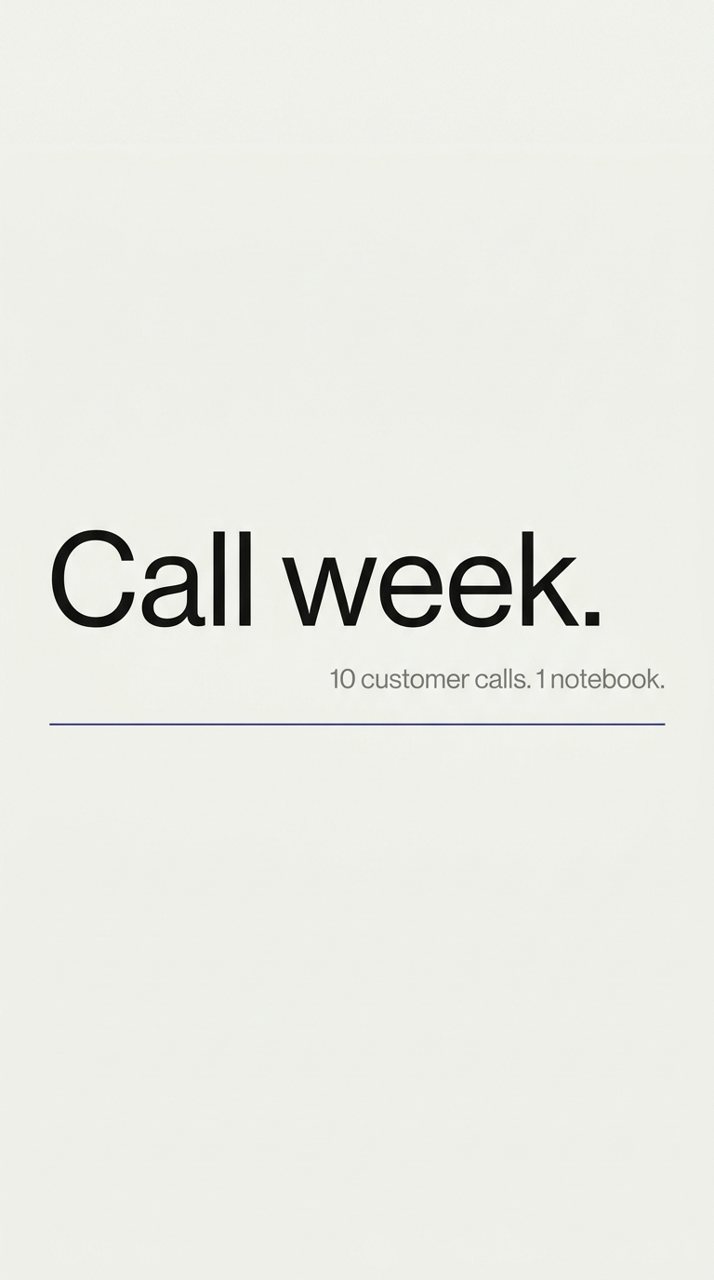
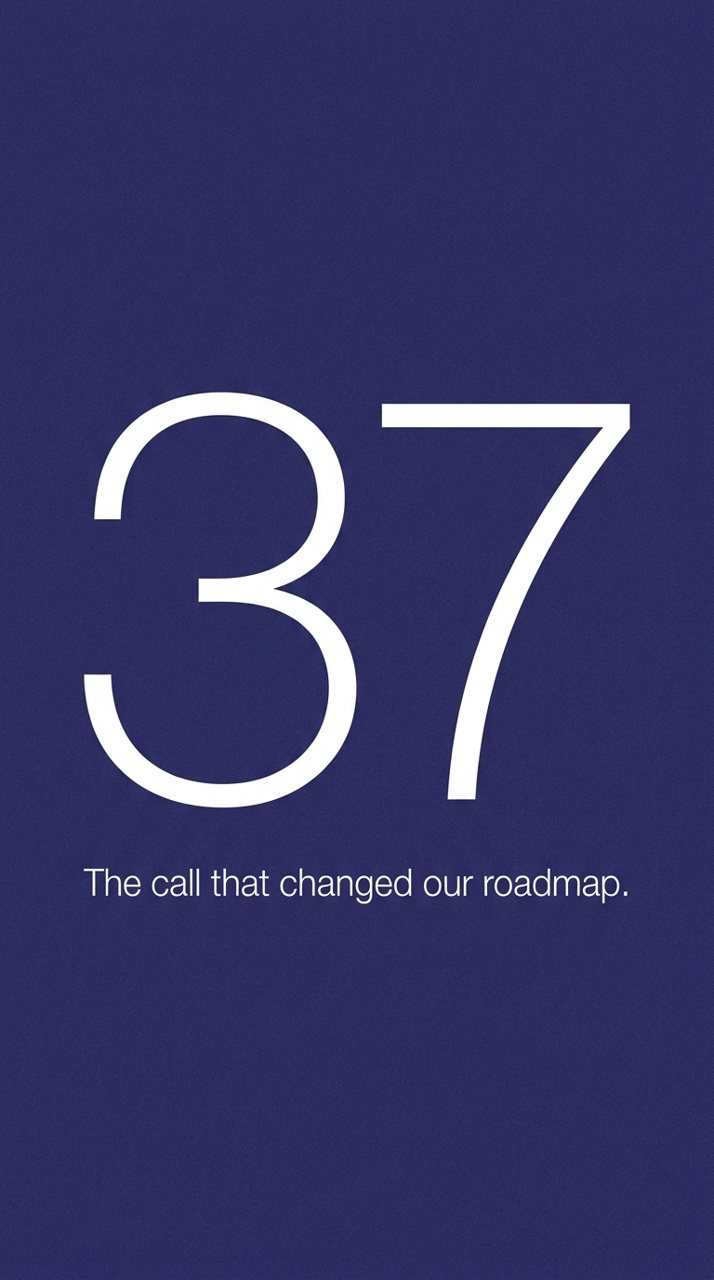
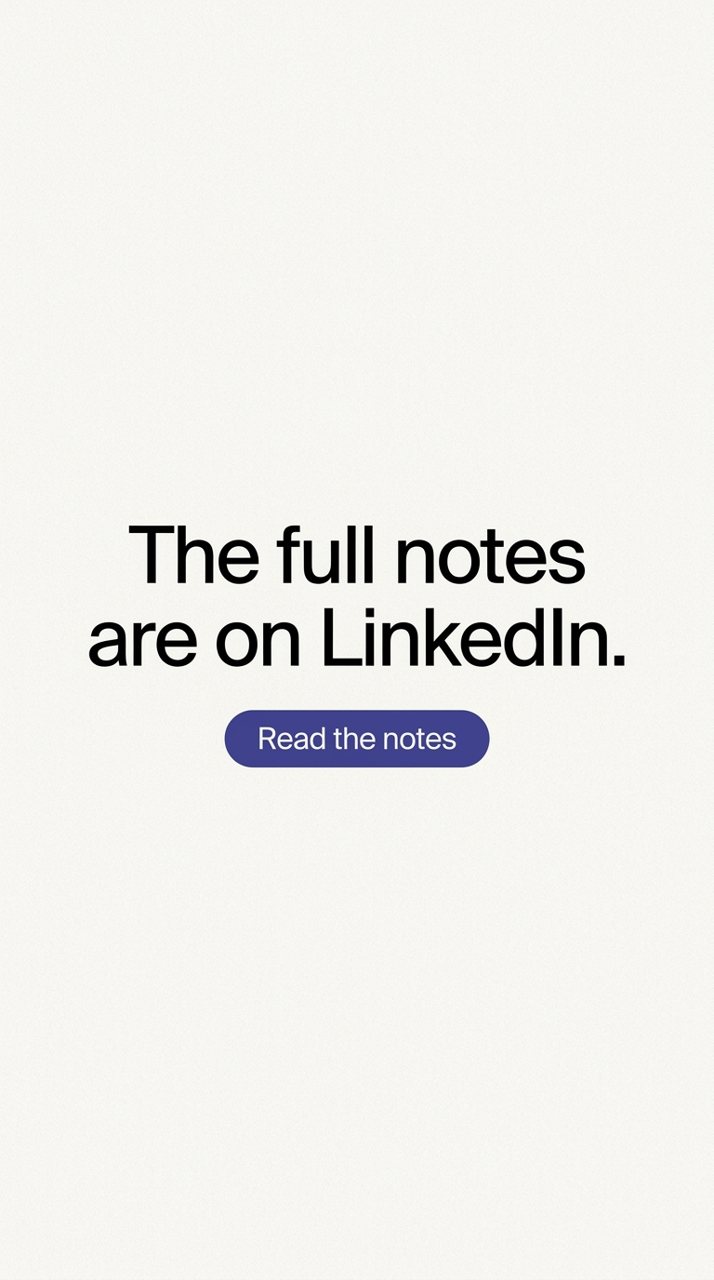
Instagram stories, frame by frame.
It writes each frame and makes a photo for it. Pan, zoom and size the text, then download at 1080 x 1920.
Learn more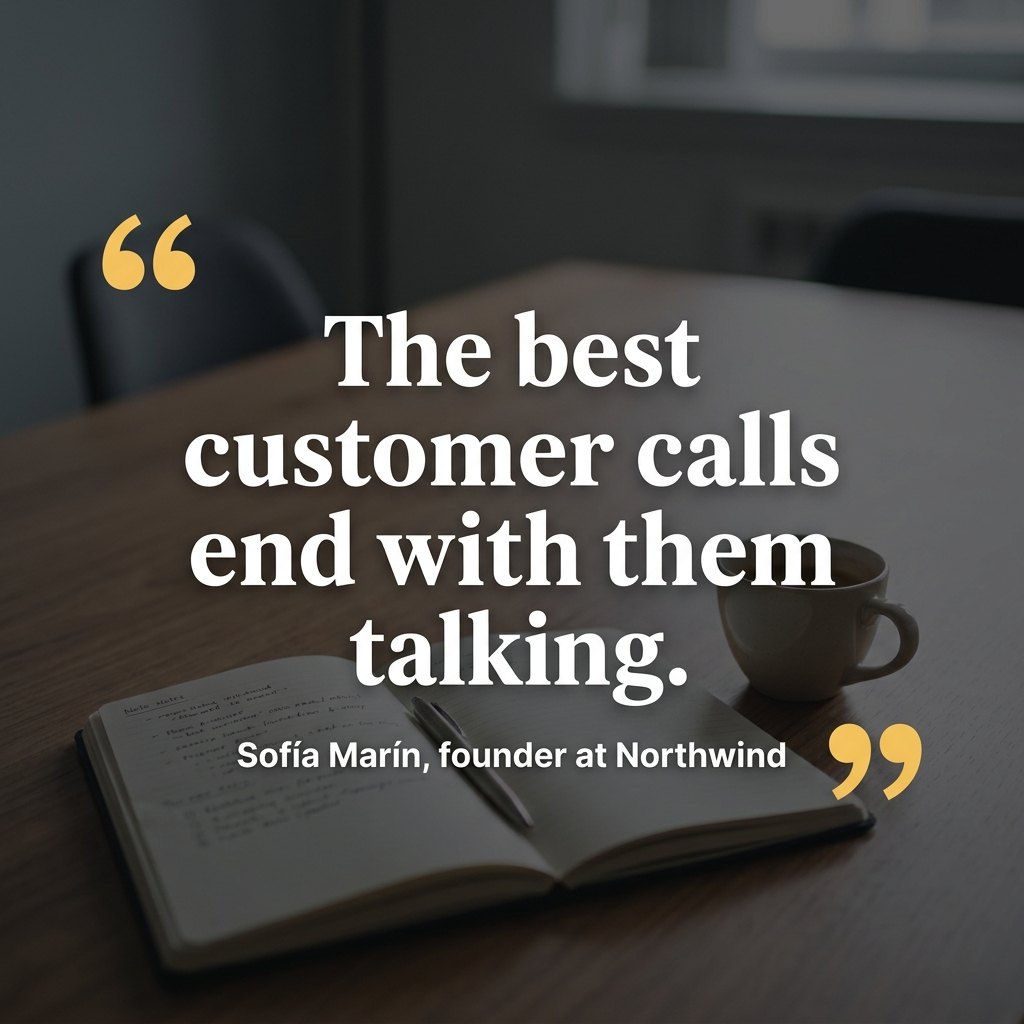


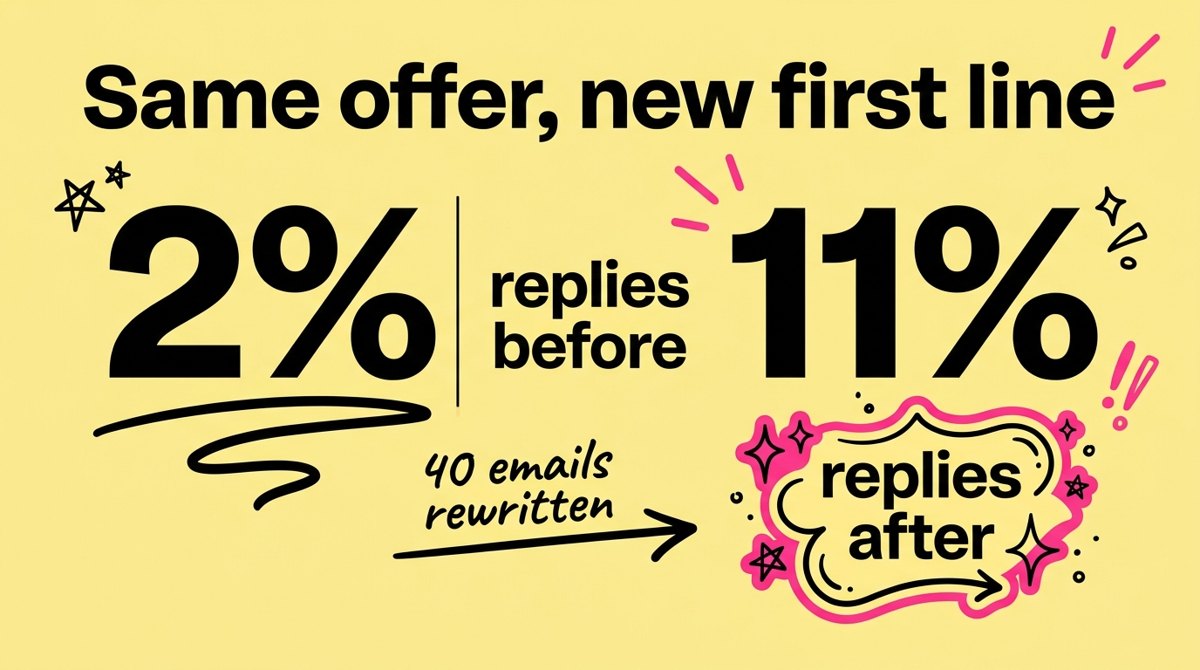

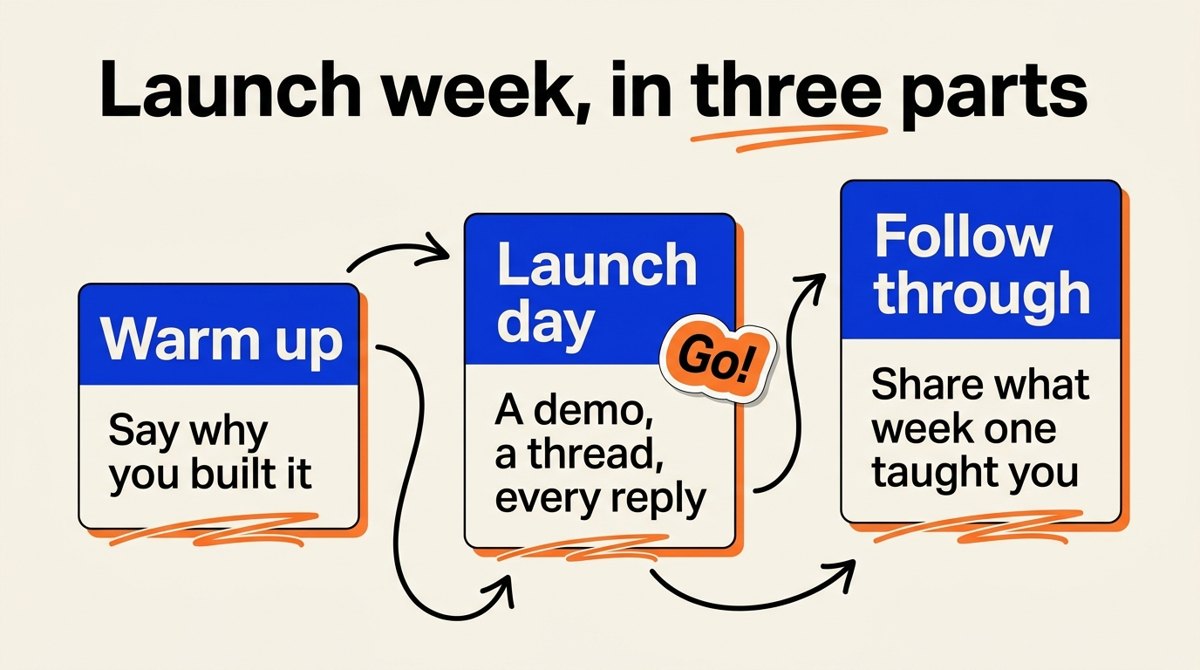
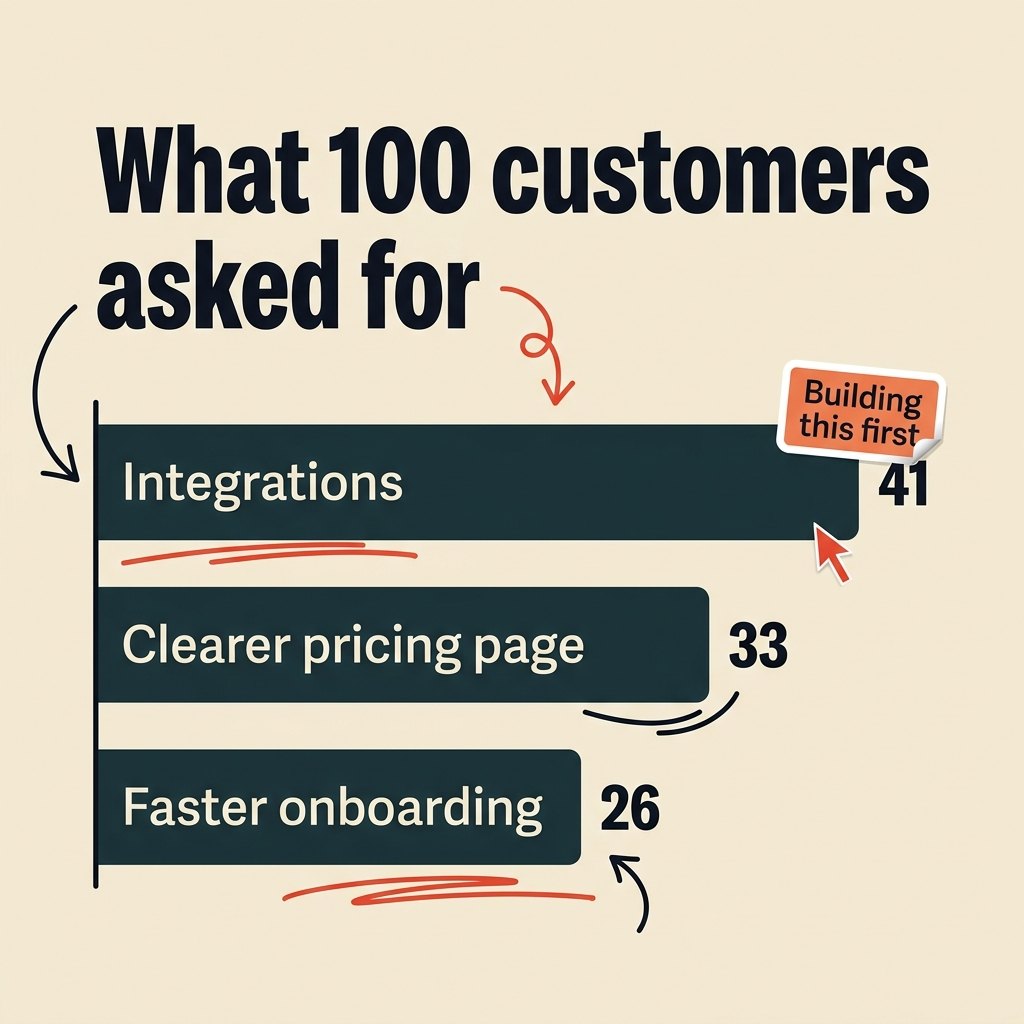
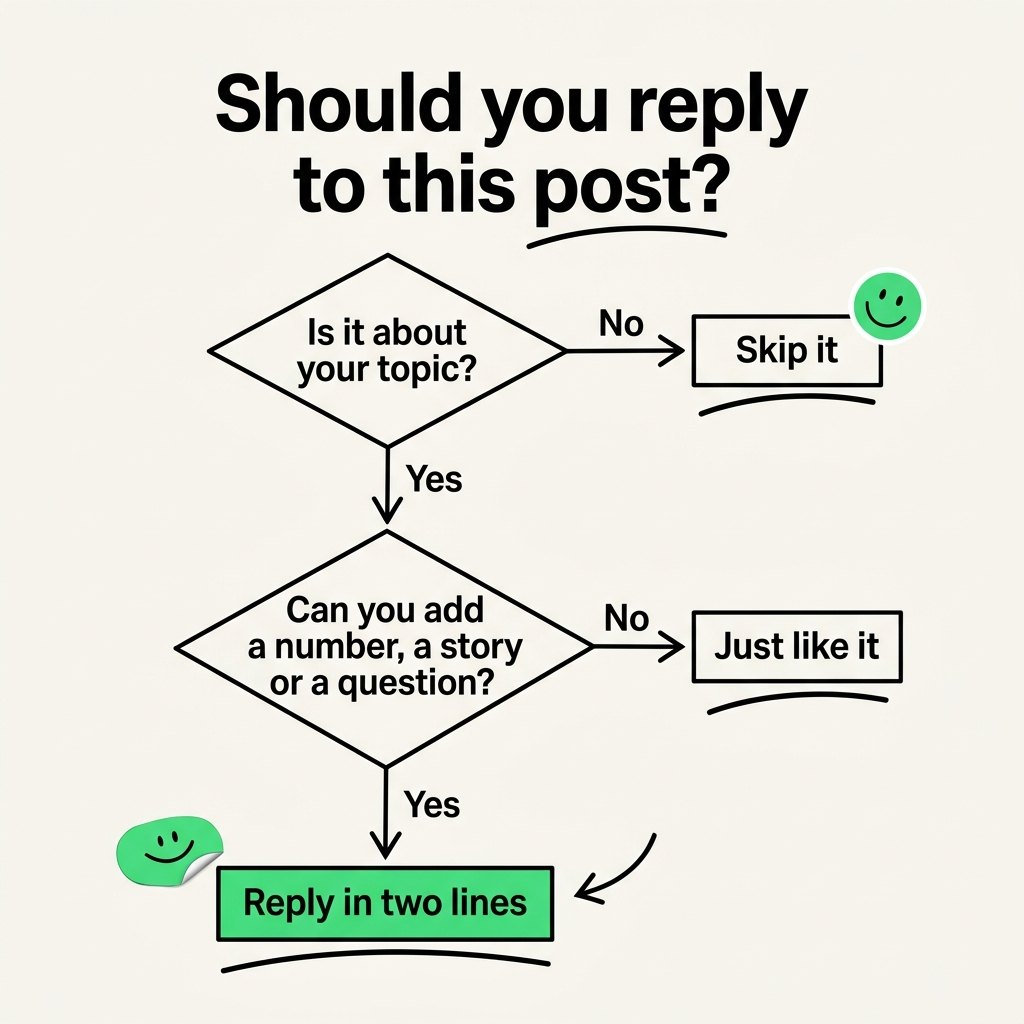
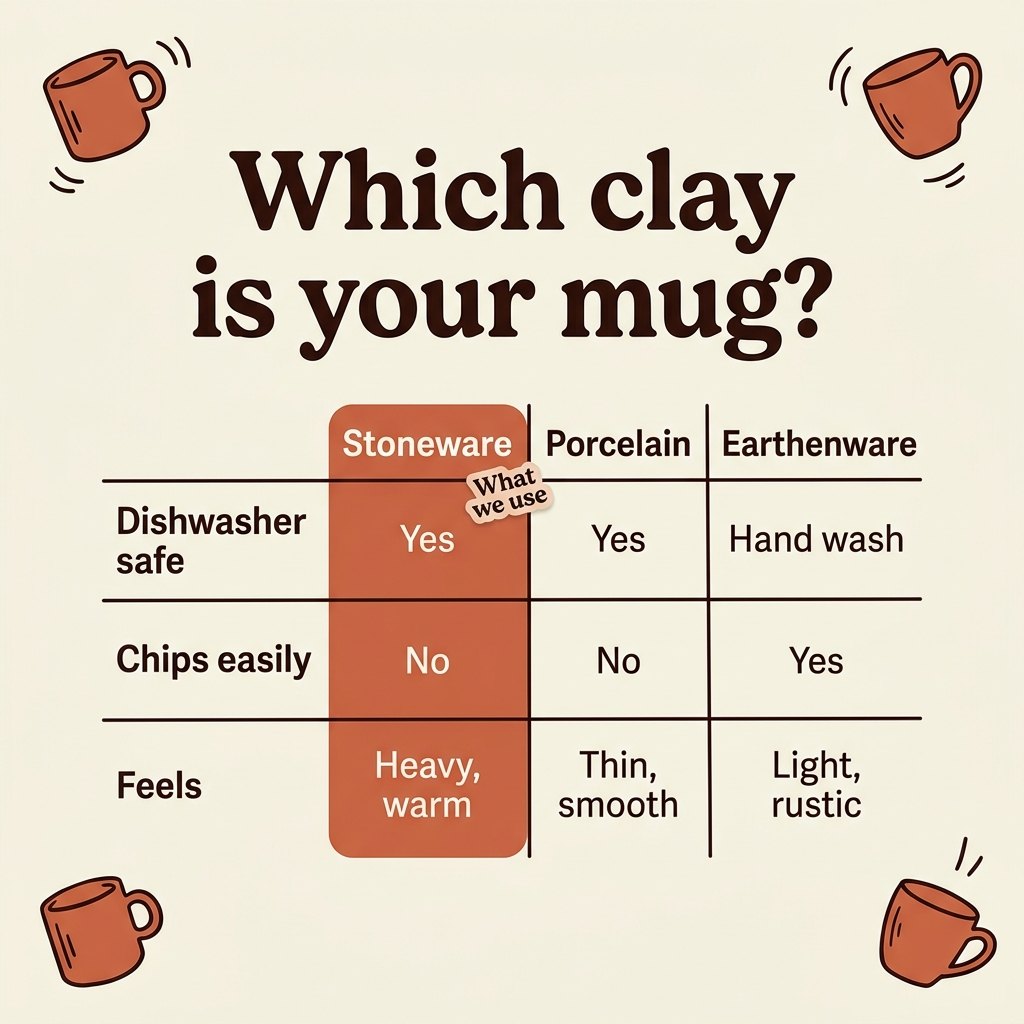


The visual that fits the post.
A chart with your numbers, a diagram, a table, a UI shot or a photo, sized for the feed, the square or the story.
Learn moreNews in your space, turned into your take.
News radars catch what just happened in your topics, and your agent drafts a post with your angle on it, ready to add to the plan.
Learn moreSofía MarínYou wake up to one list.
In your inbox and in the app: what to post, what to reply to, the news worth a take and the tasks due. Or hear it as a briefing on your walk.
Learn moreGood morning. Four things today. The thread on pricing, then the launch post at nine. Lena Park posted about founder-led content on X, and a reply is ready.
Your daily briefing, read aloud.
Put your day on while you walk, run or commute: what to post, who to reply to and what is late, in the voice and speed you choose.
Learn moreOne tap per post, from any device.
Every piece has one action: copy and open the network, paste, post. Move anything to today or tomorrow. On your phone it goes straight to the app and a swipe marks it done.
Learn moreBuilt for people who post, and have other work to do.
It knows your whole plan. Ask it anything.
Ask about the open post, the week, the strategy or the whole project. It answers with your data, follows your rules and can move things for you.
Compared with a scheduler.
Tool by tool comparisons| Feature | Planboard | A typical scheduler |
|---|---|---|
| Finds posts worth replying to, reply drafted | Every morning | Rarely, or on higher plans |
| Plans the campaign from your goal | Yes | No |
| Writes every post in your voice | Yes, from your rules | An AI assistant you prompt |
| Designs stories and post images | Yes | Through Canva |
| Tells you what to do today | Today view and a daily digest by email | No |
| Publishing | One tap: copy and open | Automatic |
An AI community manager, for less than a freelancer.
- 1 project
- 1 radar that searches when you tap Search now
- 20 AI uses a month for writing, radar searches and strategy
- Planner, AI writer and Today
- AI images
- Publishing to X from Planboard
- Radars that search by themselves every Monday
- The daily digest by email
- 3 projects
- 10 radars, every Monday
- 30 AI images a month
- Agents, planner, AI writer and story designer
- Today and a daily digest at your hour
- Priority support
- 10 projects
- 30 radars
- 500 AI images a month
- Everything in Solo
- A voice onboarding call per brand
- Unlimited projects
- Unlimited radars
- Unlimited AI images
- Everything in Pro
For the first 100 people off the waitlist, locked while you stay, with a 1:1 call to set up your voice.
Questions
Does Planboard publish for me?
On X, paid plans can publish posts and threads from Planboard once you connect your account. Everywhere else each piece is one tap: it copies the text and opens the network, or hands stories to your phone. You press post.
What are radars?
Searches for your topics that bring back the X, Reddit and YouTube posts worth joining and the news worth a take, each with a reply or a post drafted. On paid plans they run by themselves every Monday. On Free, your radar searches when you tap Search now, and LinkedIn is always searched that way.
Will it sound like AI?
It writes from your rules and bans the phrases that give AI away. Every draft is checked against them before you see it.
Which networks does it cover?
LinkedIn, X, Instagram, TikTok, YouTube, Reddit, blogs and newsletters, each previewed the way it really looks.
Is it a Buffer alternative?
It replaces the planning, the writing, the designing and the finding. If you need hands-off auto-publishing, keep a scheduler for that last step.
Which AI models does it use?
Gemini by default and Grok for live X search. You can bring your own Claude key.
Is there a free plan?
Yes, and you can start today without a card. Free includes 1 project, 1 radar that searches when you tap Search now, 20 AI uses a month (writing, radar searches and strategy), the planner, the AI writer and Today. It does not include AI images, publishing to X from Planboard, radars that search by themselves every Monday or the daily digest by email.
How much does it cost?
Free is $0 for one project. Paid plans start at $149 a month and open from the waitlist. The first 100 people from the waitlist get Pro at $199 a month, locked while they stay.
Does it work in Spanish?
Yes. The app works in English and Spanish, and radars reply in the language of each post.
Your first plan is one sign up away.
Start free on one brand tonight. Radars that run every Monday and the daily digest come with the paid plans, which open from the waitlist.
Start free